

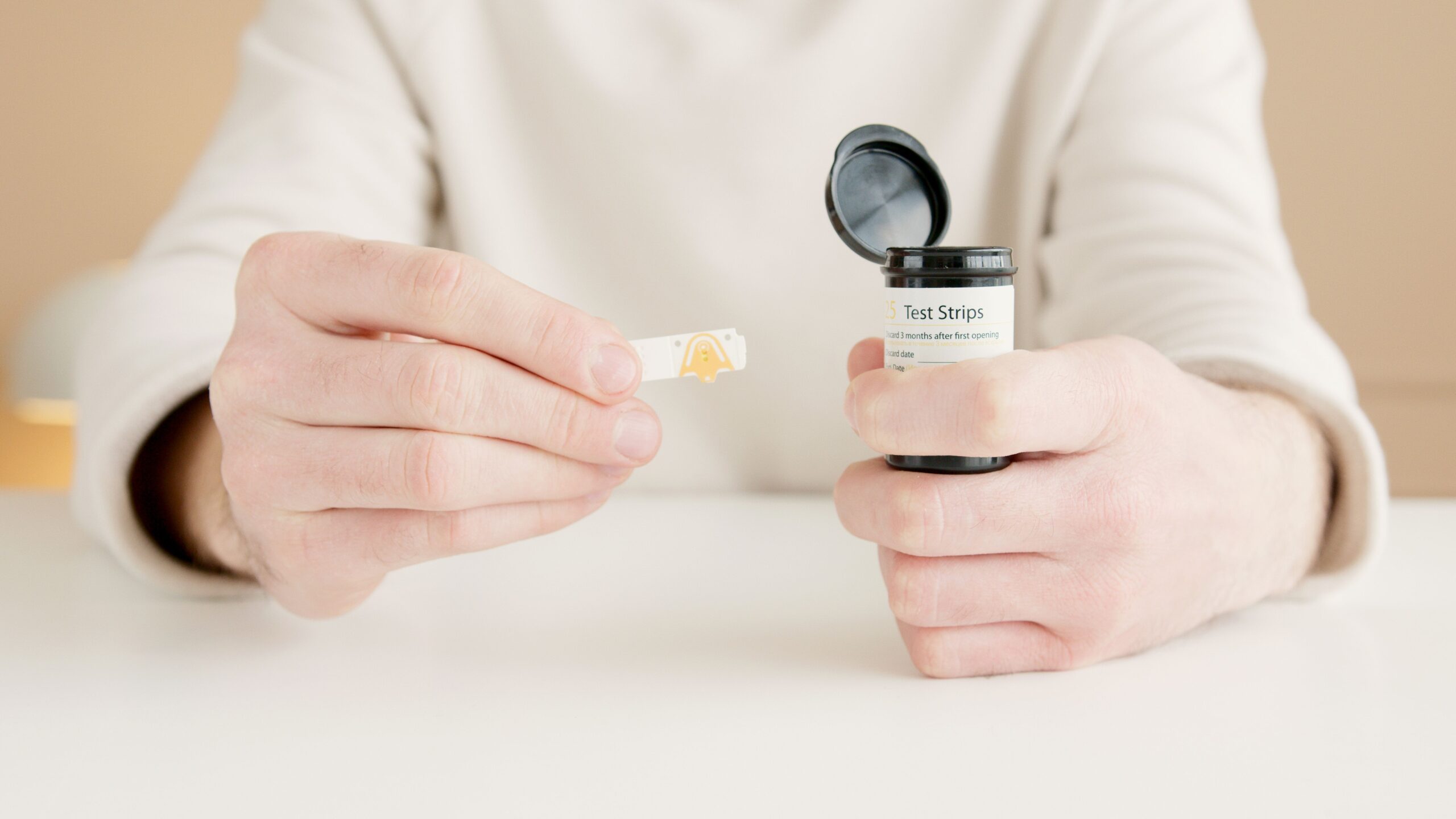
Is it legal to sell extra diabetic test strips for cash? 2026
If you have unopened diabetes supplies sitting in a cabinet, you may be wondering whether you can turn them into

Omnipod 5 is a tubeless automated insulin delivery system designed to help eligible people with diabetes manage insulin with fewer manual decisions throughout the day. It pairs a wearable Pod with compatible continuous glucose monitoring, so insulin delivery can adjust based on current and predicted glucose trends. For many readers, the key questions are practical: what it does, what it works with, how access works, and what safety steps matter before starting.
Omnipod 5 may help reduce some of the day-to-day burden of insulin management by combining a tubeless pump with automated insulin adjustments. Its SmartAdjust technology can increase, decrease, or pause insulin delivery based on CGM data and a user’s customized glucose target, while users still bolus for meals through the Omnipod 5 app or Controller. The system is indicated for type 1 diabetes in people age 2 and older and for type 2 diabetes in adults age 18 and older, with a prescription. (omnipod.com)
The biggest everyday advantage is that Omnipod 5 is tubeless. The Pod is worn directly on the body, delivers insulin through a small cannula, and receives instructions from a Controller or compatible phone. The Pod has an IP28 rating for up to 25 feet for 60 minutes, though the Controller is not waterproof, so swimming, showering, and device handling still require care. (omnipod.com)
Clinical studies also suggest meaningful glucose-management improvements for many users. In a pivotal type 1 diabetes trial, time in range improved by about 3.7 hours per day in children and 2.2 hours per day in adults after three months of use. In type 2 diabetes, Insulet reported SECURE-T2D trial results showing time in range rose from 45% to 66%, or about 4.8 more hours per day. (diabetesjournals.org)
Key benefits often include:
Omnipod 5 depends on compatible CGM data to support automated insulin delivery. Current Omnipod prescribing information lists compatibility with Dexcom G7 CGM Systems, FreeStyle Libre 3 Plus sensors, and FreeStyle Libre 2 Plus sensors, but the exact Pod version and sensor prescription matter. Patients should confirm compatibility before filling prescriptions, especially when switching from one CGM brand to another. (omnipod.com)
For people searching for dexcom diabetes technology, the Dexcom G7 integration is one of the most important Omnipod 5 updates. To start Omnipod 5 with Dexcom G7, a prescriber generally needs to send prescriptions for the Omnipod 5 Intro Kit and compatible Pods. Users must use the Dexcom G7 mobile app as part of the system; the dexcom g7 receiver cannot be used as the Omnipod 5 connection because the G7 can connect with only one medical device at a time. (dexcom.com)
This distinction matters because some Medicare users may still need a Dexcom G7 receiver for CGM coverage requirements, even though the Omnipod 5 automated system itself relies on the mobile app connection. In practical terms, ask your pharmacy, DME supplier, or prescriber which devices your plan requires and which devices the pump can actually use for automation. (dexcom.com)
Many people also compare Omnipod 5 with the freestyle libre 3 sensor because they already use Libre or prefer Abbott’s CGM ecosystem. The key detail is wording: Omnipod lists compatibility with FreeStyle Libre 3 Plus and FreeStyle Libre 2 Plus sensors, not every Libre product by a similar name. Before changing sensors, verify the prescription, Pod labeling, app requirements, and training path with your healthcare team. (omnipod.com)
A simple comparison can help frame the decision:
| Decision point | What to check before starting |
|---|---|
| CGM brand | Confirm whether your Pods are for Dexcom G6/G7 or compatible FreeStyle Libre sensors. |
| Phone use | Check whether your phone supports the required Omnipod and CGM apps. |
| Receiver expectations | Do not assume a CGM receiver can run automated mode; Dexcom G7 requires the mobile app for Omnipod 5. |
| Pharmacy fill | Make sure the Intro Kit, Pods, and CGM supplies are all prescribed correctly. |
| Training | Do not start or change settings without healthcare-provider guidance. (omnipod.com) |
Omnipod 5 requires a prescription and is intended for single-patient home use. Official coverage information notes that the system is compatible with U-100 NovoLog, Humalog, Admelog, and Kirsty insulins, and that available products depend on insurance coverage and product indication. (omnipod.com)
Cost can be one of the most frustrating parts of adopting pump therapy. Omnipod’s financial assistance program may be available to patients with a valid Omnipod DASH or Omnipod 5 prescription who demonstrate financial need and fill through the pharmacy channel. The copay card program is not valid when the prescription is paid for in whole or in part by Medicare, Medicaid, or another federal or state program, and participants using DME or pharmacy-DME channels may not qualify. (omnipod.com)
There is also an Omnipod 5 Intro Kit 30-day trial program for certain commercially or privately insured new Pod Therapy patients coming from multiple daily injections or tubed pumps. Eligibility requires a valid Omnipod 5 prescription, a compatible CGM prescription, and insurance coverage for Omnipod 5 Pods; the program does not include the compatible CGM supply. (omnipod.com)
Before your first fill, gather:
Automated does not mean hands-off. Omnipod warns users not to start the system or change settings without adequate training and healthcare-provider guidance because incorrect settings can cause too much or too little insulin delivery, leading to hypoglycemia or hyperglycemia. SmartAdjust should not be used by anyone under age 2 or by people requiring less than 5 units of insulin per day because safety has not been evaluated for that group. (omnipod.com)
The system is not recommended for people who cannot monitor glucose as directed, maintain contact with a healthcare provider, or use the system according to instructions. Omnipod also warns that users taking hydroxyurea should not use the system because falsely elevated CGM values may lead to insulin over-delivery. Device components such as the Pod, sensor, and transmitter must be removed before MRI, CT scan, or diathermy treatment. (omnipod.com)
A practical safety checklist includes:
Diabetes technology changes can leave people with unopened boxes of supplies they no longer use. Some readers look for discount sources such as Diabetic Warehouse, while others search phrases like “sell diabetic supplies” or “two moms buy test strips” when they have extra sealed supplies at home. These searches may be understandable, but prescription devices and diabetes supplies should be handled carefully, legally, and hygienically.
Because Omnipod 5 is restricted by federal law to sale by or on the order of a physician, never treat Pods, CGMs, insulin, or prescription supplies like ordinary resale items. Check expiration dates, storage requirements, prescription status, insurance rules, and local regulations before donating, buying, or selling anything. When in doubt, ask a pharmacist, prescriber, diabetes educator, or your insurance plan what is allowed and safe. (omnipod.com)
Omnipod 5 may be worth discussing if you want tubeless insulin delivery, are comfortable wearing a Pod and CGM, and have a care team willing to help with training and settings. It may be especially appealing if you are tired of tubing, want more automated glucose support, or are moving from injections to pump therapy. It may be less suitable if compatibility, phone access, coverage, training, or safety warnings create barriers.
The best next step is not simply choosing the newest device; it is matching the system to your insulin needs, CGM preference, insurance pathway, and daily routines. Omnipod 5 can be a powerful tool, but it works best when prescriptions, compatible sensors, training, backup plans, and realistic expectations are all in place.
If you have unopened diabetes supplies sitting in a cabinet, you may be wondering whether you can turn them into
If you live with diabetes, you know how quickly testing supplies can pile up. Maybe your doctor changed your meter,